Understanding the System Error Log
The System Error Log is designed to help monitor and diagnose issues related to your website’s functionality. Whenever the system encounters an internal or technical error, it automatically records the details in the error log for further inspection.
This logging process helps administrators identify problems, understand what caused them, and take the necessary steps to resolve them.
You can view these logged errors from your admin panel by navigating to:
System Settings >> System Errors
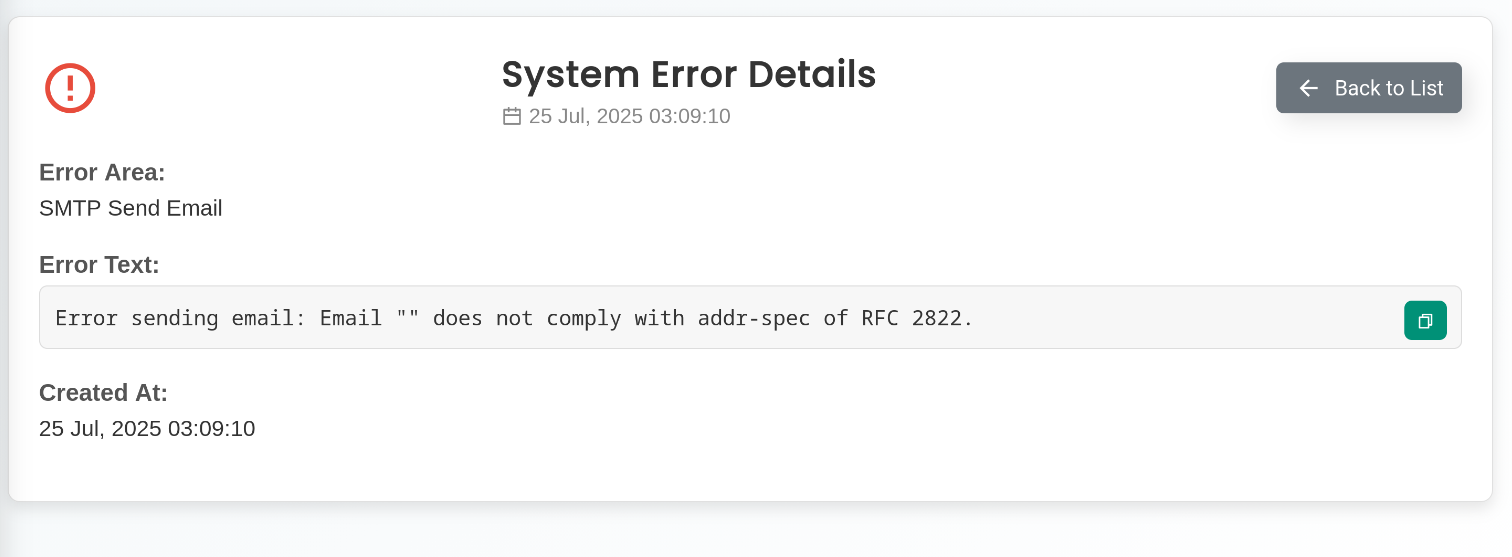
The System Errors section contains technical information related to the issue that occurred. These logs are intended primarily for troubleshooting and debugging purposes.
Because the error logs may include detailed technical data, they can sometimes contain sensitive information, such as API keys, system paths, or other internal configuration details. For this reason, you should never share the system error details publicly or with unauthorized individuals.
If you need assistance resolving an issue, you can contact the AVMScript support team. When submitting a support ticket, make sure to include the exact system error message from the log. Providing the full error details will help the support team diagnose and resolve the issue more quickly.